Sound, with a picture if you want it
Practise a song or play a few bars. Record audio on its own, or use either camera to capture your performance. A backing track is optional.
Accord · iPhone · iPad
Capture a song, or film your hands as you play. Choose your backing and start with a three-second count-in. Pause, find your rhythm and carry on recording.
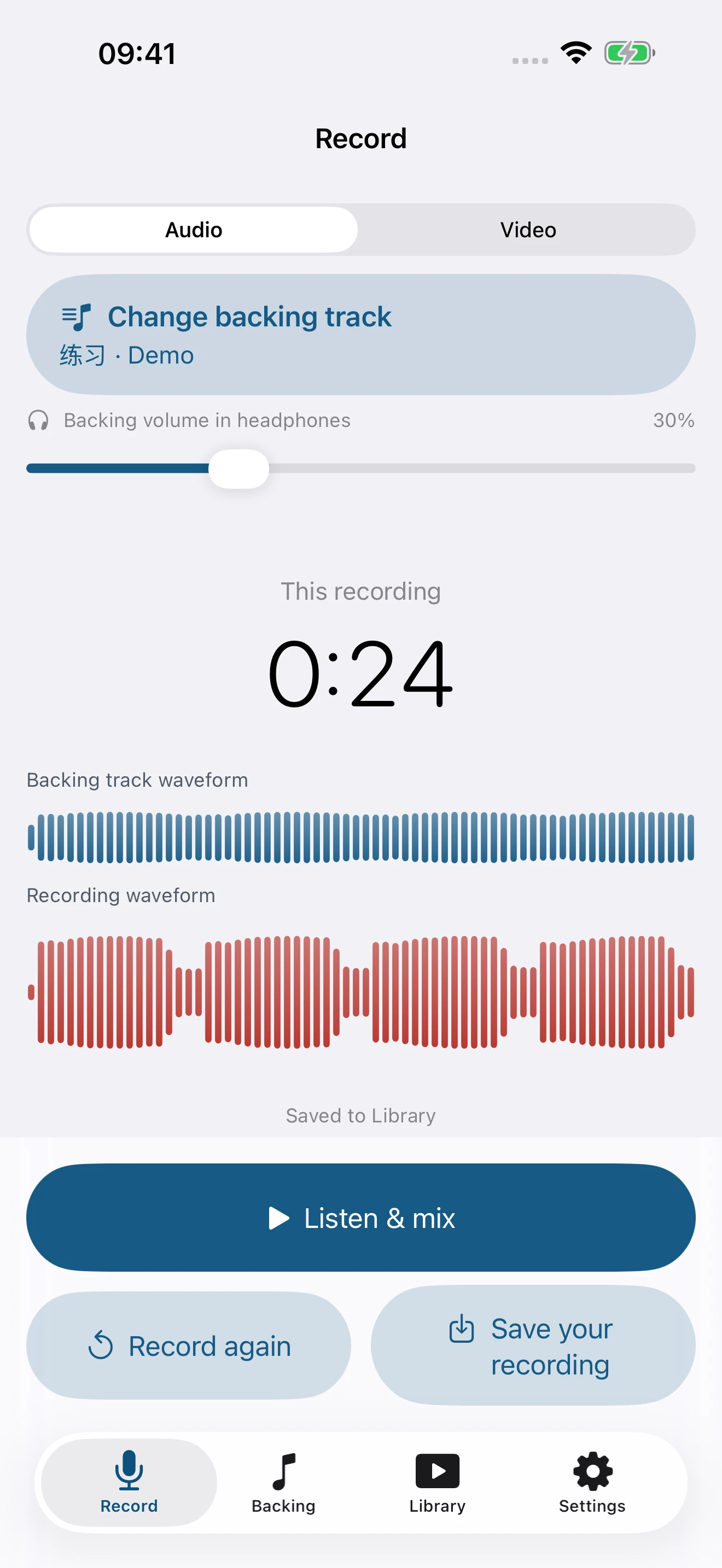
Practise a song or play a few bars. Record audio on its own, or use either camera to capture your performance. A backing track is optional.
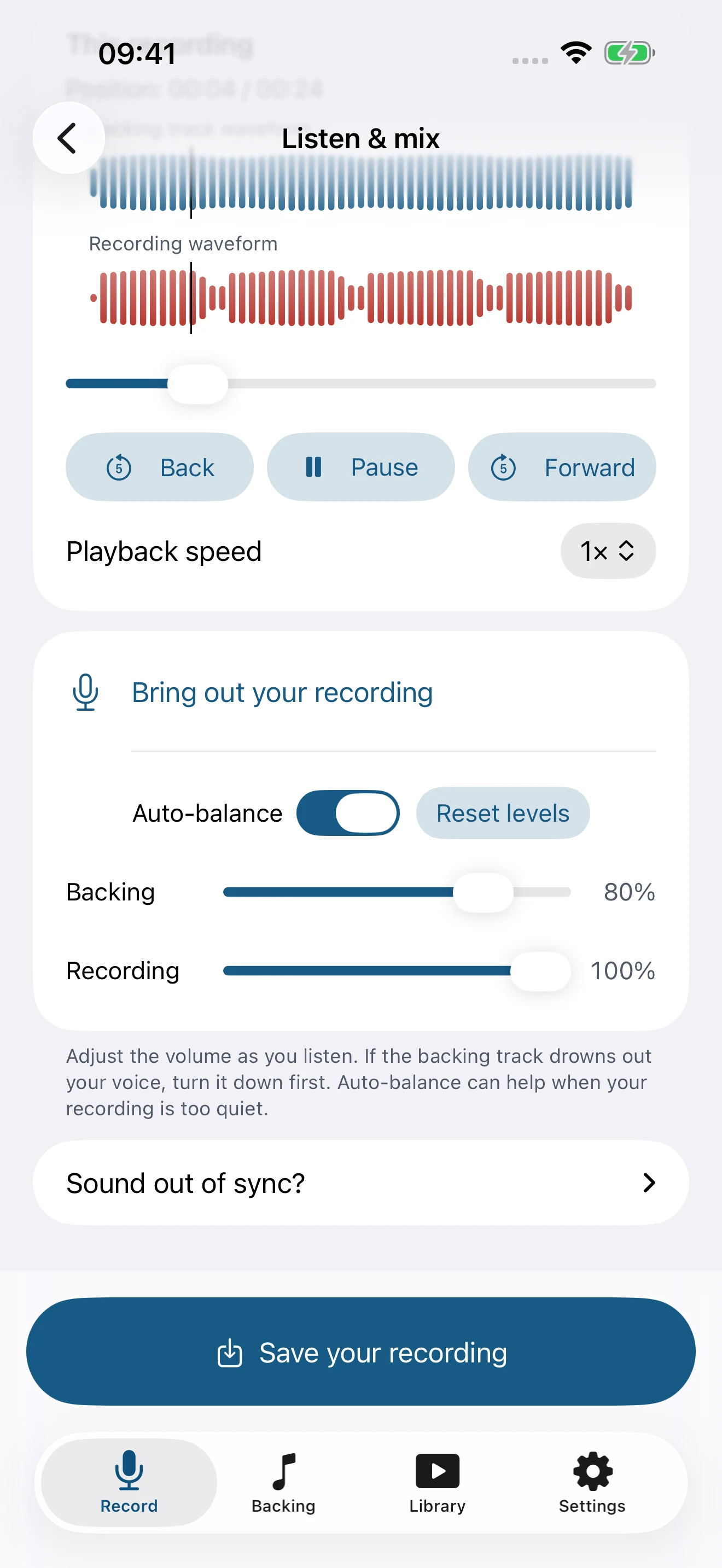
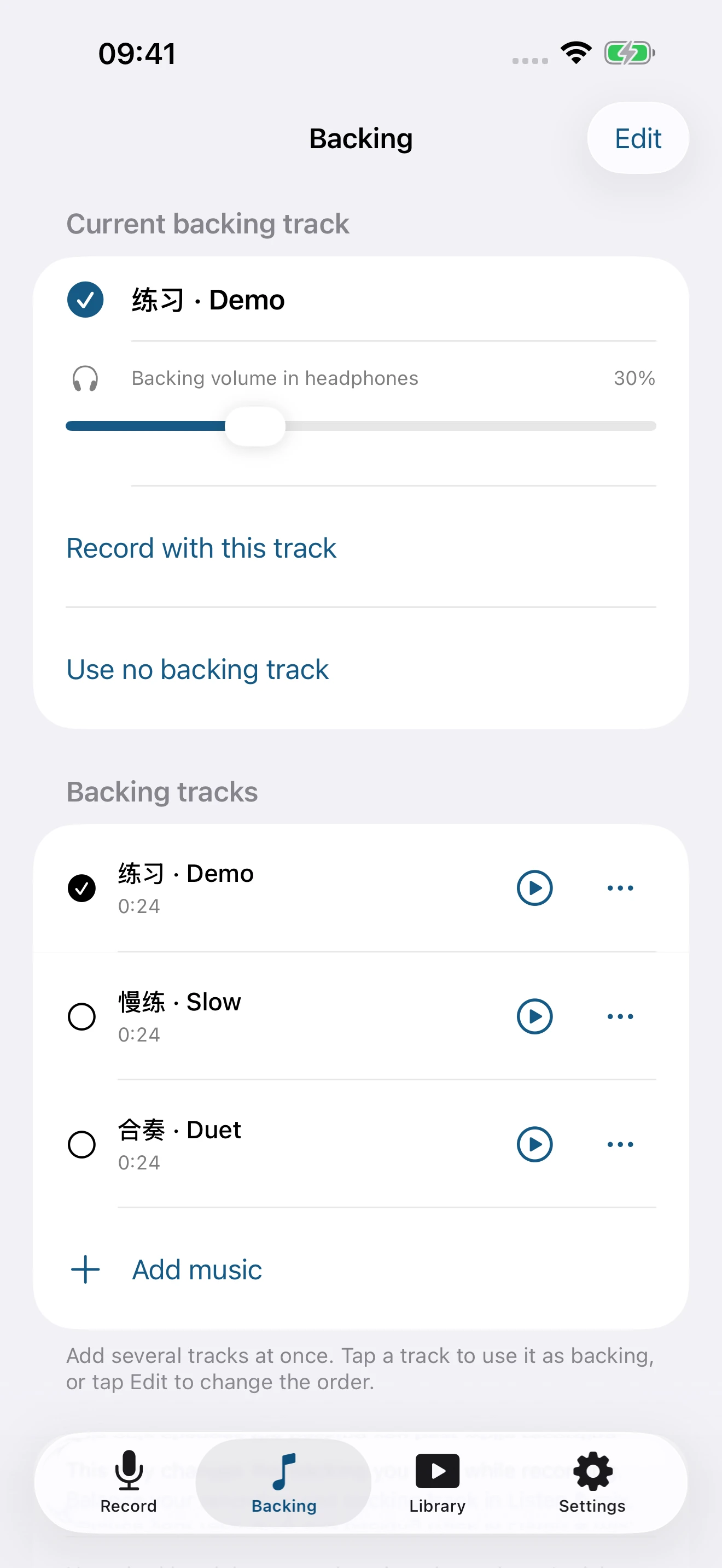
Import your own backing track. After recording, adjust both tracks while listening. Automatic balancing helps quieter audio, with a timing adjustment when needed.
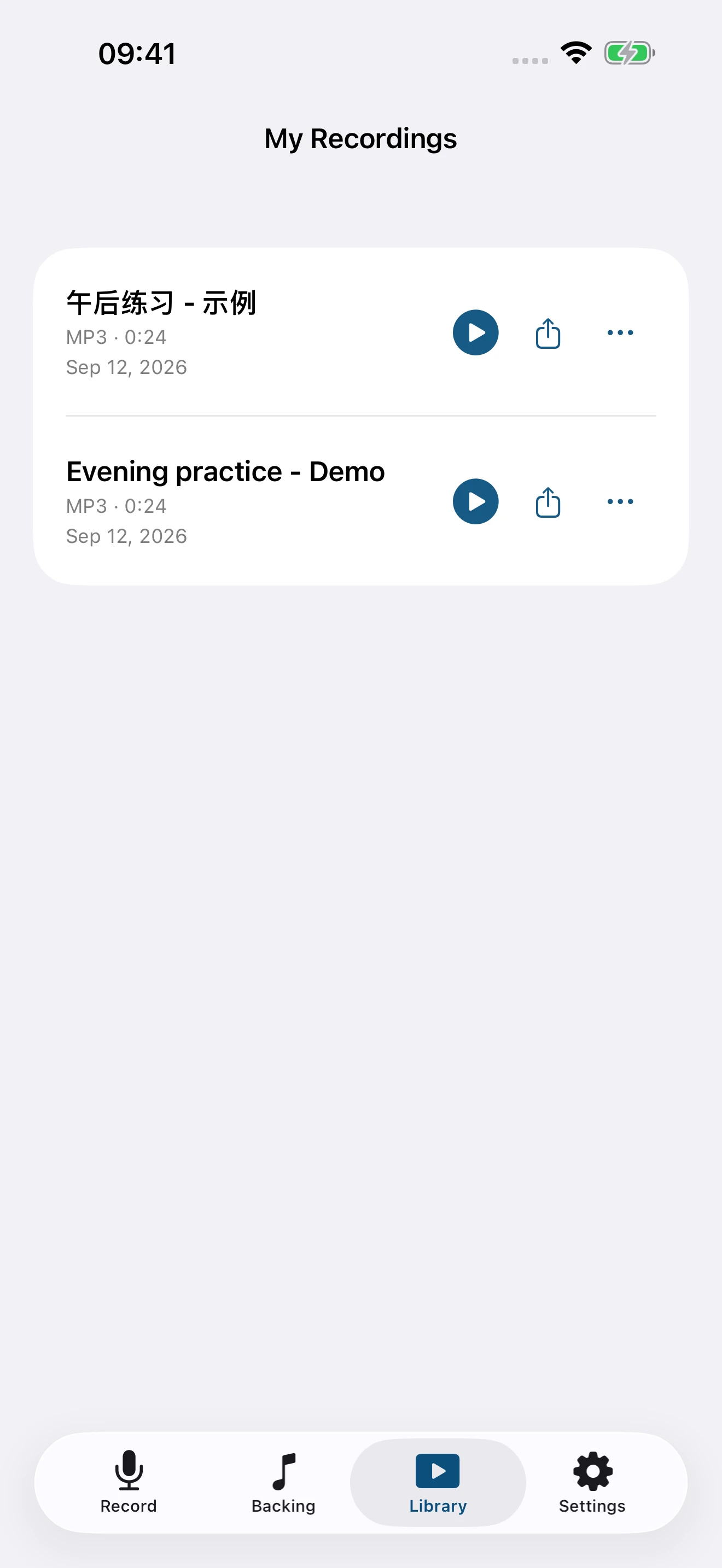
Save an MP3 or MP4. Rename, play, adjust or delete saved work in Library, then choose where to send it in the system share sheet.
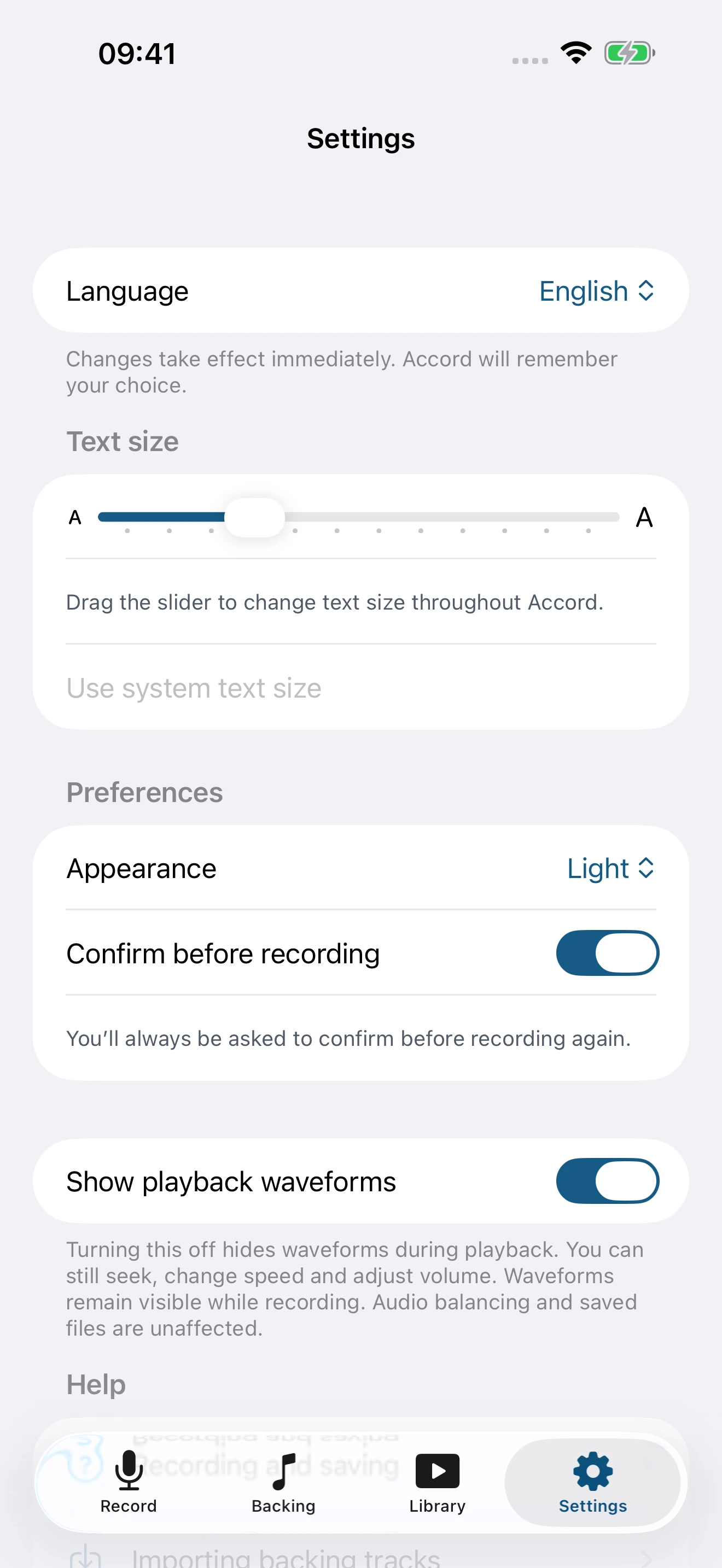
Open a screenshot for a closer look. The screens show a demo practice session.
Recordings, video and mixing are processed on your device, without uploading your media to company servers. You decide what to share and who receives it.
Privacy policyFamiliar Apple controls and separate tabs for Record, Backing, Library and Settings. Adjust text size and light or dark appearance inside the app.
The first release will be free, including audio and video recording, mixing and MP3/MP4 export, with no in-app purchases, subscriptions or redemption codes. A release date has not been announced. An App Store link will appear here when the app is available.
Getting started & support